WW3 Commander Controls & UI Loop
How players move through the shop, deploy missiles, hire workers, repair defenses, and manage inventory questions on six-player servers.
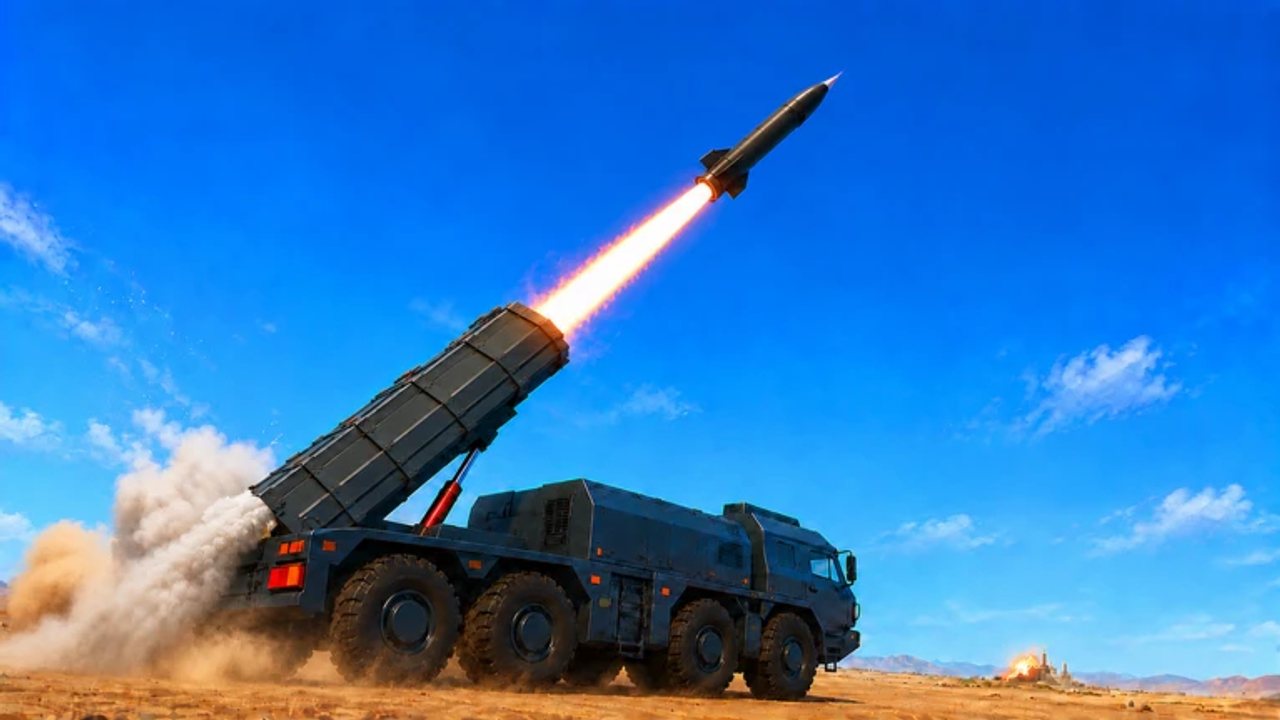
WW3 Commander is easy to misunderstand as “click missile, win.” On Roblox servers run by WW3 Command HQ, the real skill is the UI loop: open the military shop, spend cash without bankrupting the pad, deploy and lock missiles, hire or upgrade workers, repair anti-air and anti-ship coverage, and answer the inventory / hammer questions that flood comment sections every update. This controls guide is the map of that loop — not a fabricated keybind table, and not a fake menu path bible that pretends every patch keeps the same button labels.
If you are brand new, pair this page with Getting Started so the tutorial pipeline (buy → deploy → lock → fire → hire) still comes first. If you already know the fantasy but keep mis-clicking cash into the wrong sink, stay here, then deepen with Economy, Missiles, Air Defense, and Warships. Session checklists that complement the UI habits live under Tools.
The military shop loop
Most sessions begin at the shop. Exact tab names drift, but community play consistently treats the shop as the place you:
- Buy missiles and related strike toys.
- Hire or upgrade engineers / builders / workers that print income.
- Purchase air defense and, when naval systems are live, anti-ship or ship-related upkeep options.
- Peek at prestige or late options (including nuke talk) without buying them on impulse.
Healthy shop discipline looks boring on stream and wins offline. Open the shop with a budget envelope already decided: income first, survival second, offense third. The economy guide explains why that order beats thumbnail shopping. Close the shop when you catch yourself browsing prestige rows “just to look” with an empty AA grid behind you.
Deploy missiles, target lock, and launch
The combat half of the UI is a short pipeline you should be able to recite without watching a short twice:
- Purchase a missile you can afford to lose or intercept.
- Deploy / ready it on the pad so it is actually available — owning something in a vague inventory sense is not the same as having it live.
- Lock a legal target: rival pad, Pirate Island objective, or whatever the current rules allow.
- Launch and watch flight time, intercepts, and whether a follow-up is worth the reload.
Community tutorials (including the video embedded on this page) exist because players stall between buy and lock, or dump an entire rack in one emotional click. Soft targeting habits — scout AA, probe cheap, commit expensive only when the math is good — live in depth on the missiles guide. Controls skill is finishing the pipeline cleanly; strategy skill is choosing when not to finish it.
Hire workers and keep the machine alive
Hiring is not a one-time tutorial checkbox. After the first builder, the UI loop becomes: bank cash → hire or upgrade → confirm income is still ticking → only then reopen the missile row. If your controls “feel bad,” the usual cause is not a missing hotkey — it is a pad with one underleveled worker and a shop full of revenge missiles.
When Warships-era systems are present, expect specialist labor (shipbuilders / ammo-adjacent roles) to appear beside civilian income workers. That does not change the control habit: baseline income labor stays online before you staff a drydock fantasy. See Warships for the navy side of that split.
Repair AA, anti-ship, and the “why am I naked?” moment
Incoming strikes delete buildings. Community questions after every fight sound the same: how do I repair AA, do I rebuy turrets, and why did my anti-ship feel useless after a naval exchange? Treat repair as part of the UI loop, not an afterthought:
- After a raid, audit the defense grid before restocking luxury missiles.
- Rebuild spread coverage rather than stacking every replacement on the same corner — placement habits are covered in Air Defense.
- If ships are pressuring you, do not assume land AA alone answers every threat; confirm what anti-ship or naval tools your current client actually offers.
- Budget a cash reserve specifically for repairs. A controls guide that ignores money is incomplete, because every repair click is an economy decision.
Inventory, hammer, and community UI questions
Comment sections under gameplay videos repeatedly ask about inventory management, hammer / build tools, picking objects back up, and whether buildings can be moved. Exact tool names and button placements change with patches, so this wiki will not invent a fake “press H then open the third radial” path. What we can say from community patterns:
- Players look for a build / edit / hammer-style tool when they want to place, relocate, or clean up pad objects.
- Inventory questions usually mean “I bought it but cannot find it deployed” — check whether the item needs an equip/deploy step versus sitting as a shop unlock.
- If a building cannot be moved in your build, assume the live rules are stricter than a year-old short, and rebuild rather than fighting the UI for twenty minutes.
- When in doubt, test on a private server before experimenting in a hostile public lobby.
Honesty beats fake certainty: if a creator’s UI overlay does not match your client, trust your client.
Private vs public servers (controls practice)
Private servers are the right place to learn the shop, deploy flow, repair clicks, and any hammer/inventory quirks without six players turning your tutorial into a highlight reel. Use them to rehearse the full loop until it is muscle memory.
Public servers are where the same UI meets politics. You will have less time to hunt menus, so bind your attention to a short checklist: income workers alive, AA not missing after the last hit, missile rack deployable, then social decisions. The tools hub first-hour and defense-audit lists pair well with this page when you want a pre-join ritual.
Flag change and cosmetics — frequently asked, carefully answered
Flag / nation / cosmetics changes are one of the most common community questions. Players want to know how to change the flag that represents their pad or nation identity. Exact UI paths vary by patch, and inventing a menu trail that does not exist in your build would be worse than a partial answer.
Where players usually look:
- Nation / country style selectors tied to your pad identity.
- Settings / options panels on the HUD.
- Cosmetics / customization shops separate from the combat military shop.
If you cannot find a flag control, search those three families of UI rather than downloading a “flag changer” file from a random Discord. Cosmetics should never require an executor. For social identity beyond a flag — alliances, groups, merit flex — see the players-facing guides linked from the hubs once those pages are in your reading list.
A clean controls session template
- Join and claim any obvious group/like gifts without chasing shady paste lists (Codes for honesty notes).
- Open shop → fund workers → confirm income tick.
- Place or repair minimum AA spread.
- Buy a modest missile set → deploy → practice one clean lock on an island or soft target.
- Only then browse mid-game toys, navy options, or prestige rows.
- After any fight, repair before ego restock.
- If the UI itself is the boss fight, hop to private and relearn one panel at a time.
Related reading
- Getting Started — tutorial pipeline and first-hour priorities.
- Economy — why shop order matters more than hotkeys.
- Missiles — buy, lock, launch with soft targeting.
- Air Defense — repair and placement after the UI click.
- Warships — naval labor and ammo UI mindset.
- Tools — session checklists that keep the loop honest.
Master the controls loop and the game stops feeling like a mysterious radial menu. You will still lose fights — six-player politics guarantee that — but you will lose them because of decisions, not because a missile never left the inventory.
Frequently Asked Questions
Quick answers commanders ask most often.
What is the basic WW3 Commander controls loop?
Shop with a budget, hire or upgrade workers, deploy missiles, lock a target, launch, then repair air defense before vanity restocks. Income clicks come before prestige clicks.
How do I deploy and lock missiles?
Buy a missile you can replace, ready or deploy it on your pad, lock a legal target, then launch. If it only sits in inventory, you have not finished the deploy step.
Can I move buildings or pick up AA?
Community players look for hammer/build/edit style tools, but exact move and pickup rules change by patch. Test on a private server and rebuild if your client will not relocate an object.
How do I change my flag in WW3 Commander?
Flag change is frequently asked. Players usually look under nation/settings/cosmetics style panels. Exact menu paths vary by patch — do not trust invented click paths from old comments.
Should I learn controls on private or public servers?
Learn shop, deploy, repair, and inventory quirks on private servers, then take the same loop into publics where timing and politics matter.
Why can’t I find something I just bought?
Many purchases need an explicit deploy/equip step, or they appear under a different shop tab. Confirm workers are hired, missiles are readied, and defenses are placed — not only purchased.